Materials your technicians use in the field can get lost between the van, the job site and the office. Log every consumption without adding admin work and keep it ready to bill.
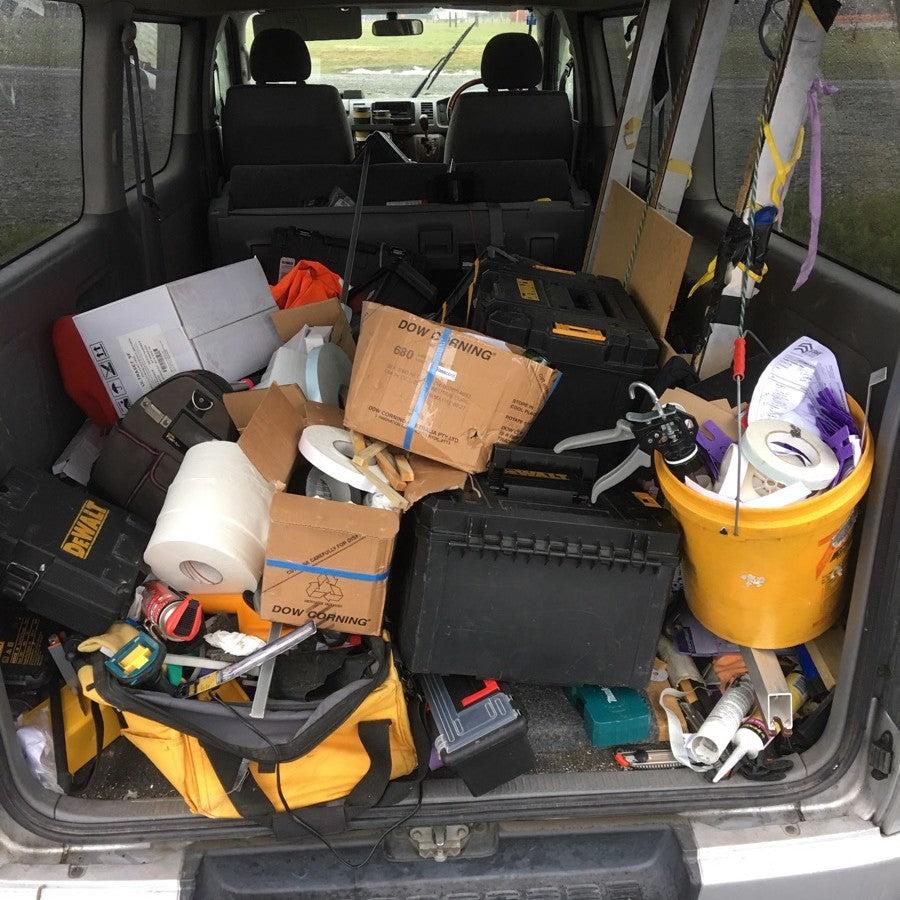











The problem isn't that technicians do a bad job. The problem is that logging materials interrupts their work. When it depends on memory or handwritten notes, consumption never reaches stock, the project or billing correctly.
Without a simple logging process, physical order isn't enough. Consumption needs to reach stock, the project and billing without relying on the technician's memory.
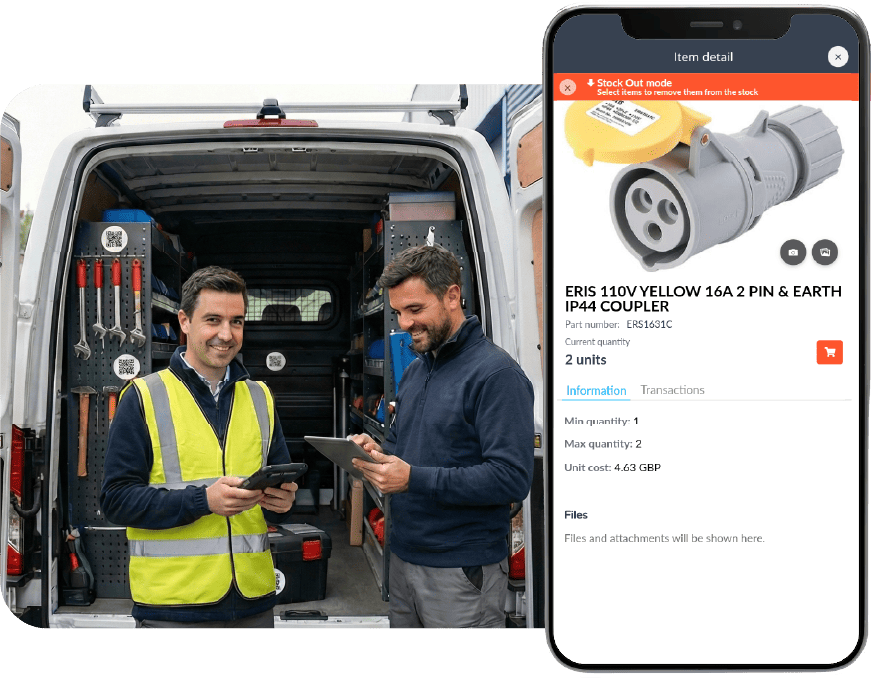
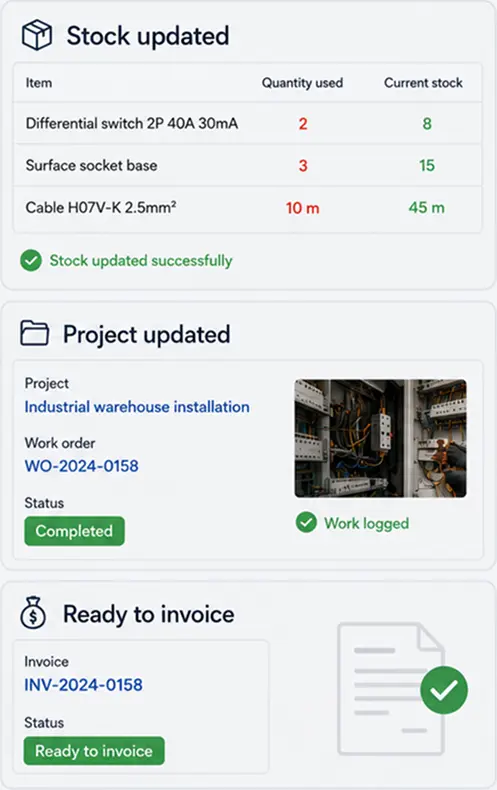
Remove the admin friction: the technician dictates the materials consumed and TicTAP interprets them, updates stock, documents the project and keeps the consumption ready to bill.
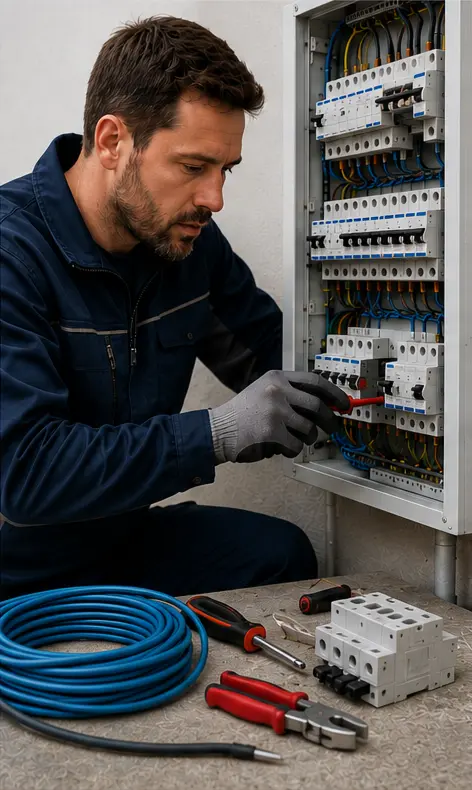
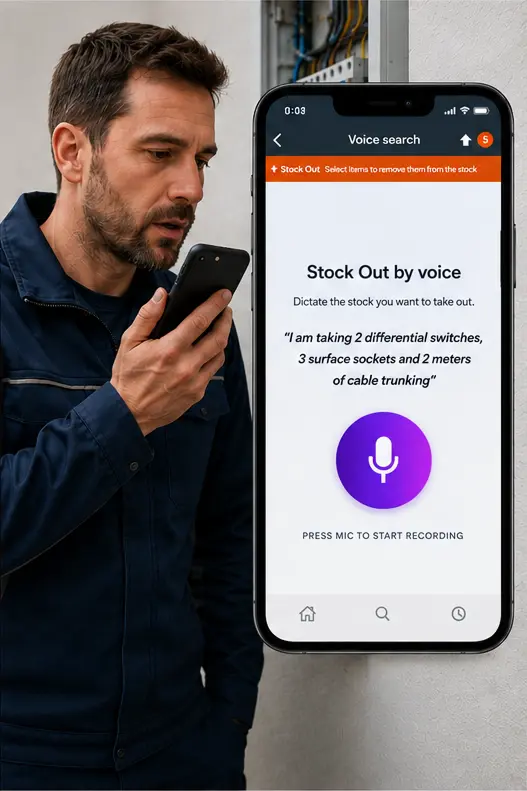
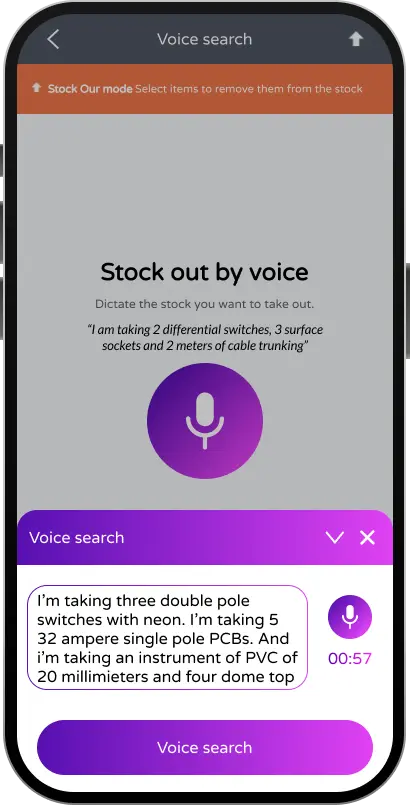
Materials move every day, but they rarely get logged if the process requires stopping, searching for references or typing. It's not a missing system: it's too much friction at the moment of use.
The operator describes what material goes out, in or gets transferred. TicTAP identifies the item, proposes the operation and logs it instantly, without pulling the technician out of their physical workflow.
See how voice logging works →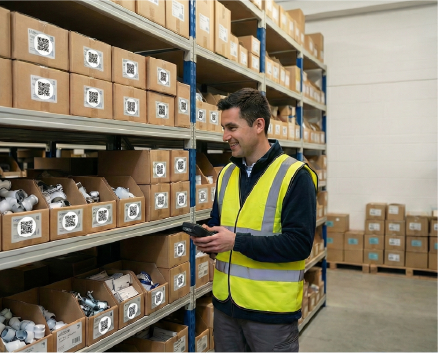
When consumption is logged in the field, you know what material is in each warehouse and van. You avoid downtime from missing parts and wasted trips.
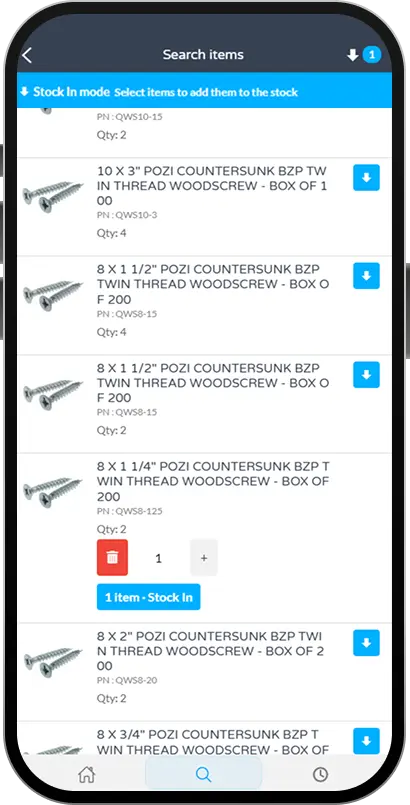
Set min/max levels per product and Store, and let TicTAP show you what to reorder and how much. Avoid stockouts without filling the warehouse with idle material.
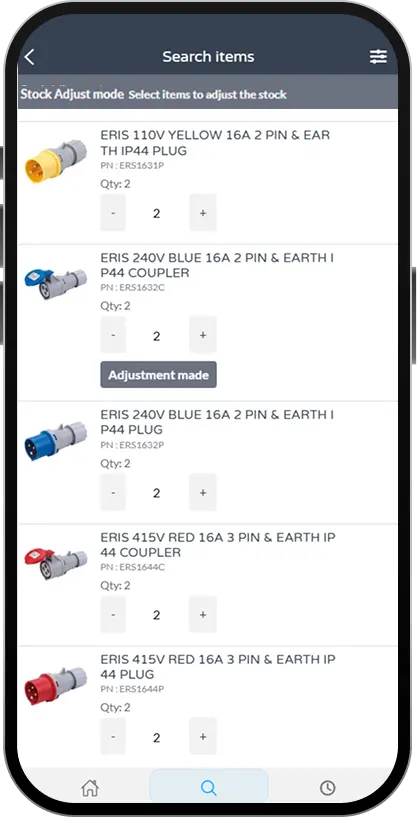
Every use is linked to a person, a reason and a location. You can close periods, review allocations and prepare billing without chasing paperwork or reconstructing movements by hand.
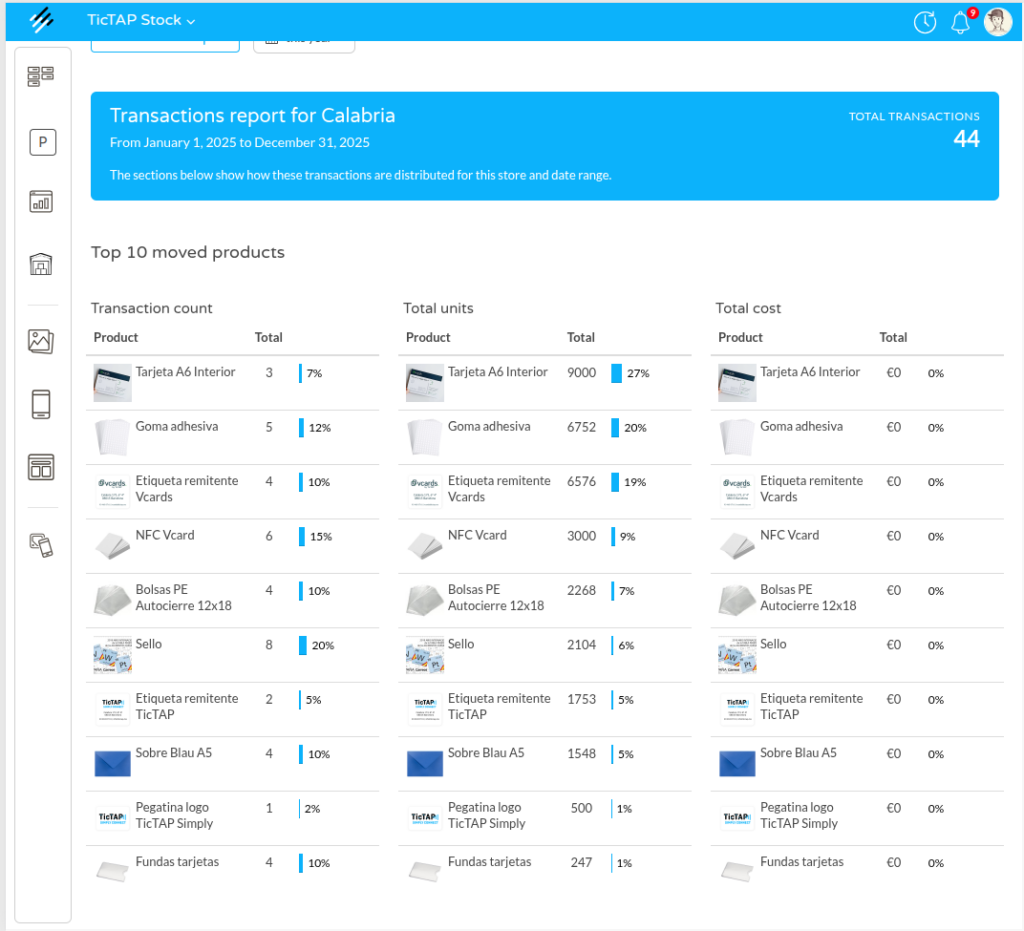
Analyse which products move the most, how much they cost and where they're consumed. Identify consumption patterns, waste and savings opportunities.
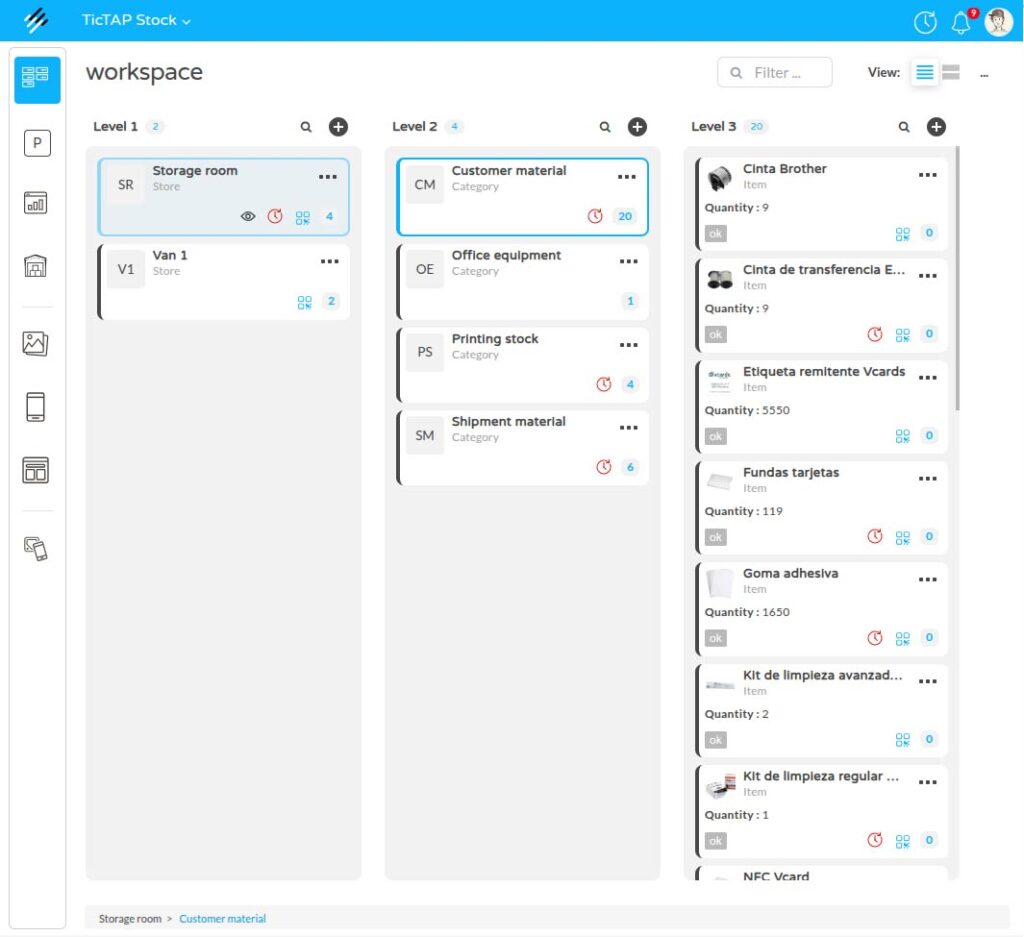
Your teams use the same logic for everything: scan, operate and let TicTAP handle the rest. Fewer systems, less training and more adoption in the field.
TicTAP adapts to how technicians work and to the systems you already use, so the data arrives clean to whoever needs it.
Same platform, permissions and architecture as all other TicTAP modules.
Logging from mobile and QR, without installing an app for every technician.
Ready to connect with your ERP, purchasing and billing systems.
You can start with one van and scale once the flow is validated.
We review the flow of one of your vans and show you how to log consumption without adding admin work for the technician.
Request an operations demo
No. They can scan a QR from their phone and log the movement from the browser, without adding another application to their day.
In less than 5 minutes: create the Store from the web panel, define its products (or import them from Excel) and generate the QR so your team can start working.
The information updates instantly for all users. Movements are logged and you can see who made each change and why.
Yes. We can connect the stock module with your purchasing or ERP systems to sync orders, receipts and stock levels, without endless integrations.
Yes. You can start with one warehouse or one van, validate the use and return, and then extend it to the rest of your Stores.