
Note Taker · AI for inspections and maintenance
Fill in your inspections by speaking with AI
Describe what you have inspected and let Note Taker fill in your checklist. It works with any inspection or maintenance form you have configured in TicTAP. Review the result and submit from your phone, without typing into every field.
Your voice · your checklist · your review · no extra apps

Speak, review, and submit your inspection
AI helps fill in the checklist. The technician carries out the inspection and validates the result before submitting.
Step 1
Open your checklist and speak
Open the checklist you have configured on your phone and describe what you have inspected, its condition, and any issues you have found.
Step 2
AI interprets and fills it in
Note Taker transcribes your observations and interprets the information to fill in the fields of the form you are using.
Step 3
Review and submit
Apply the result to the form, check the fields, and make any corrections before submitting the inspection. You stay in control of the record.
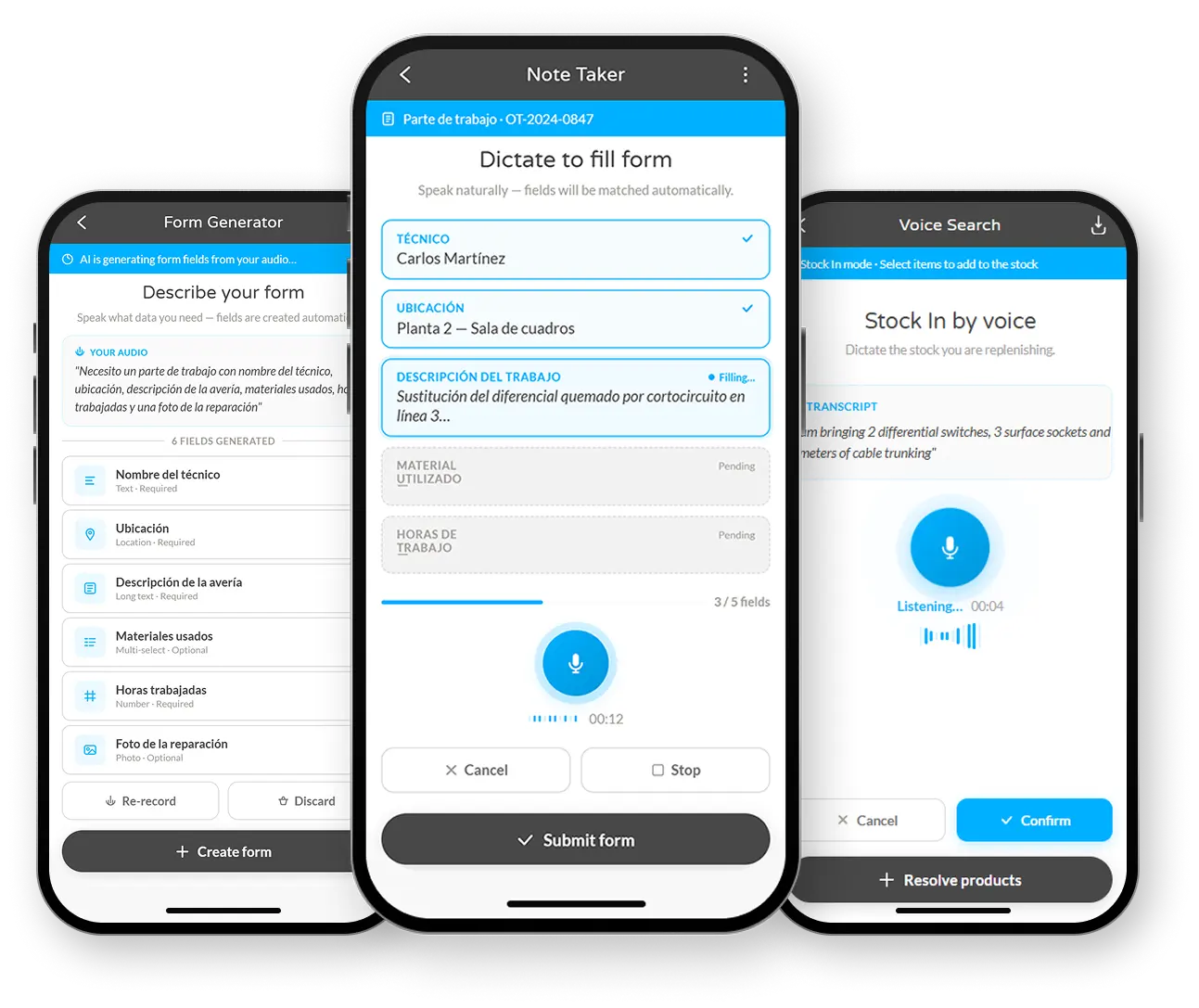
Your checklist, filled in with AI
Note Taker works with any checklist configured by the user in TicTAP. You do not need to adapt your inspections to a fixed template: AI interprets what you say and applies it to the fields in your own form. Review the result before submitting.
Request a demo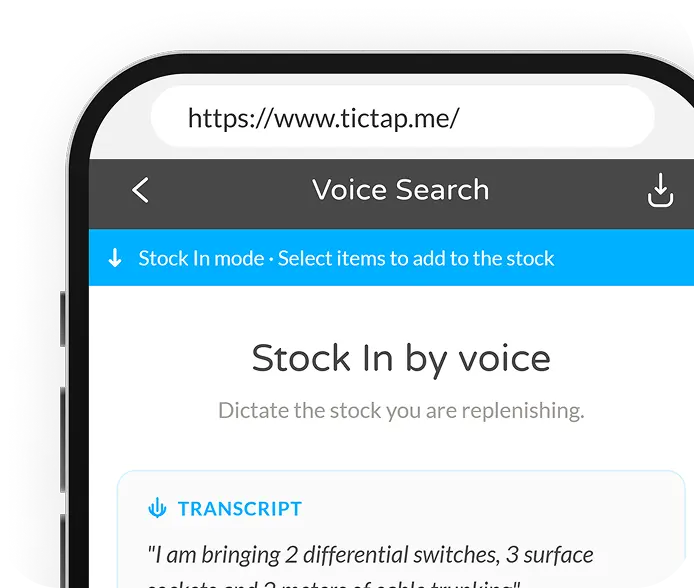
No extra apps, no training
It works from the technician's mobile browser. No app installation required, no new interfaces to learn. If they know how to send a voice note, they know how to use Note Taker.
Request a demo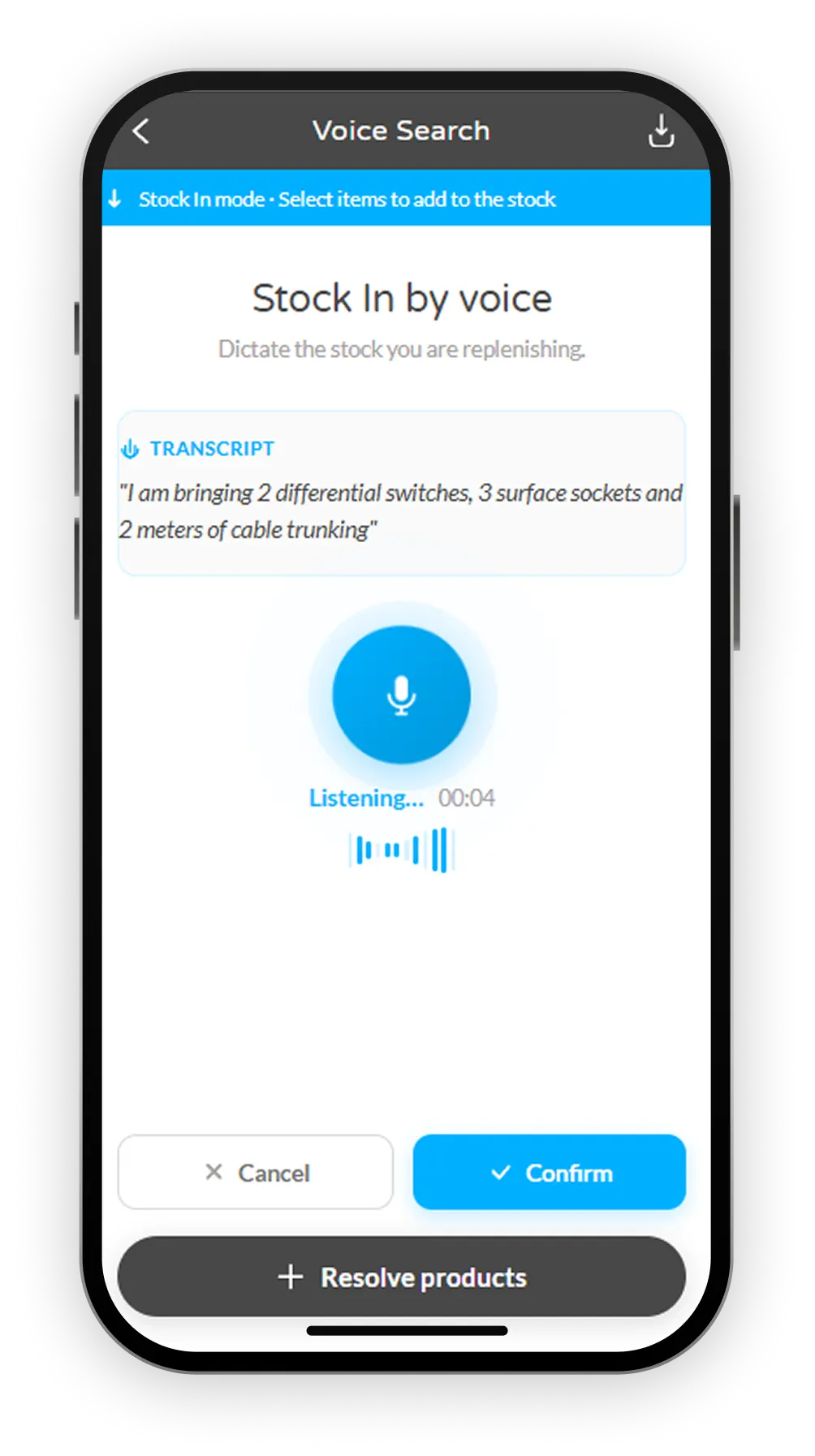
Built for gloves, movement, and tight schedules
In industrial, facilities, or maintenance environments, typing isn't always feasible. Note Taker lets you log information with your hands full — no need to remove gloves or search for codes on small screens.
Request a demo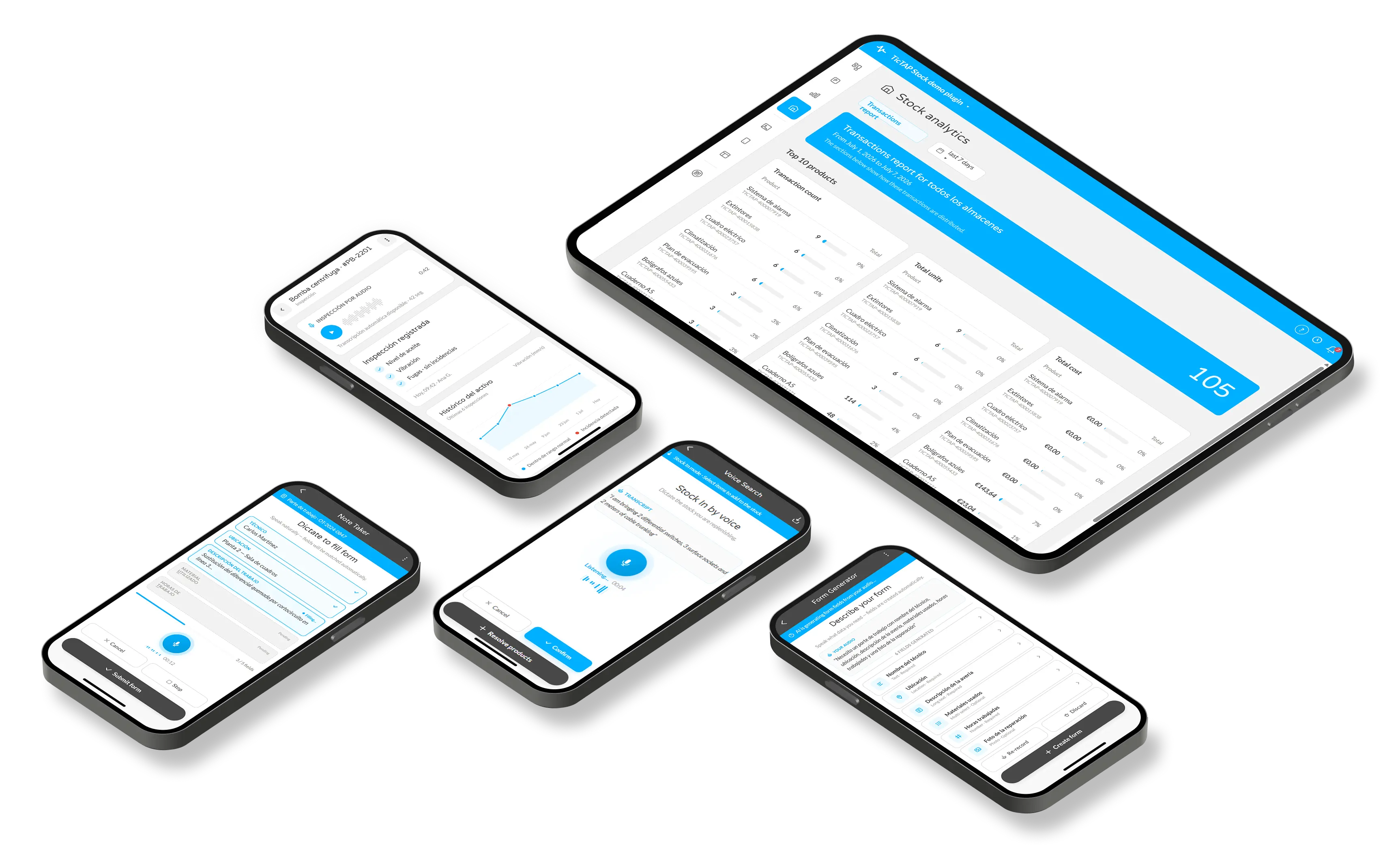
Integrated with stock, forms, and tasks
Note Taker isn't a standalone recorder. Every note feeds TicTAP's modules: updates inventory, completes checklists, generates work orders, or documents incidents. Data reaches the system clean from the very first level.
Request a demoNote Taker + Stock: voice-based material logging
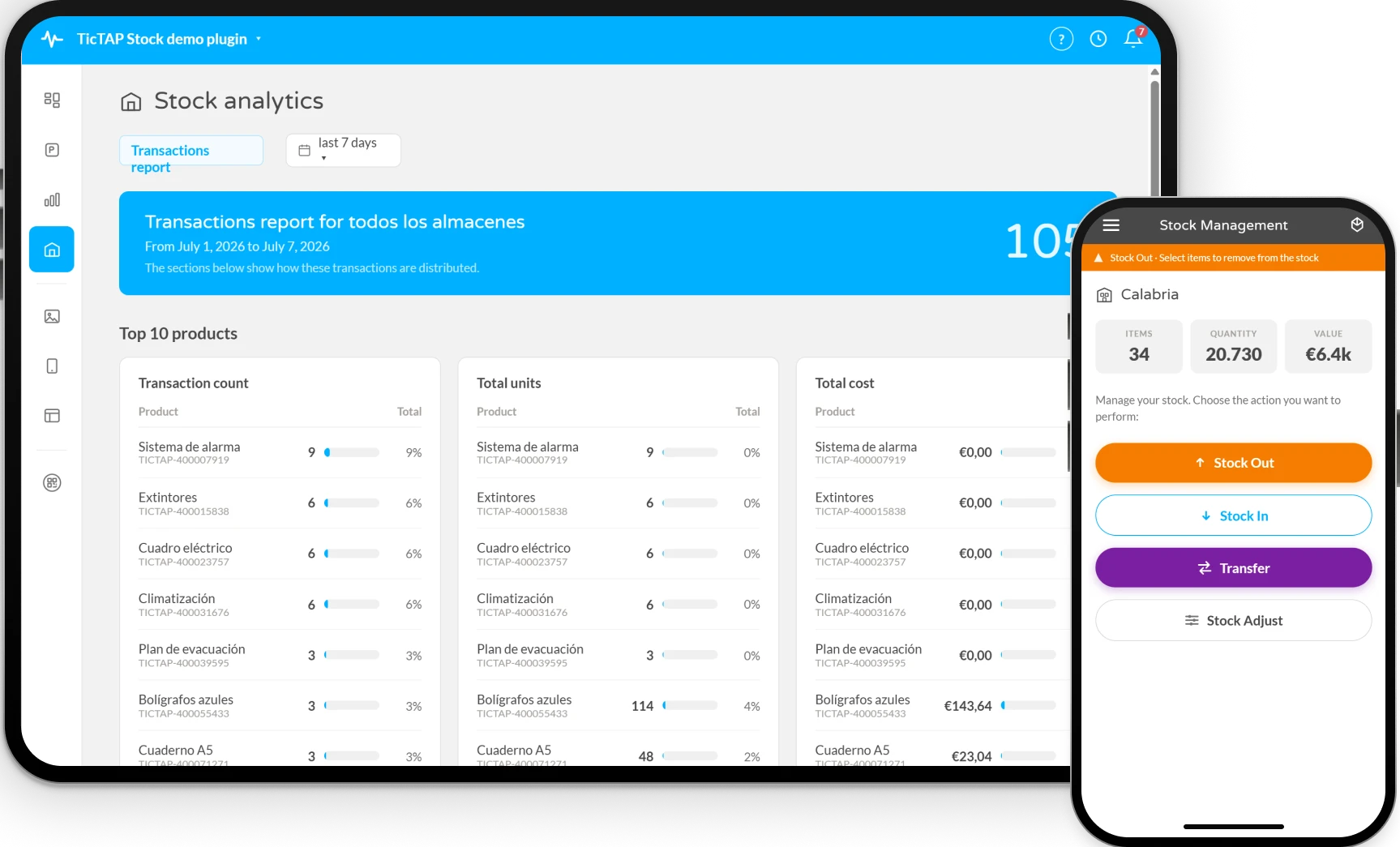
Note Taker integrates with TicTAP's Stock plugin. The technician describes what materials were used, and the system identifies the item, quantity, and operation.
No searching for references, no typing with gloves, no leaving the workflow. Consumption is logged, assigned to the correct project, and ready for invoicing.
- Log material consumption by speaking — no menus to open.
- Automatic identification of item, quantity, and operation.
- Stock updated in real time after each voice note.
- Clean data reaches invoicing from the very first level.
More records, less friction, better data
Less time logging
What used to require opening menus, searching for fields, and typing with gloves is now solved by speaking. Technicians spend more time on actual work and less on the screen.
Higher compliance
When logging is fast, checklists get completed. Fewer postponed inspections, fewer half-filled forms, more traceability for audits.

Real field adoption
No apps to install, no complex training. If the operator knows how to send a voice message, they know how to use Note Taker. The barrier to entry is virtually zero.
Try Note Taker with your own checklist
We'll show you how your technicians can log interventions, consumption, and observations by speaking into their phone — without changing the way they work.